
Lenovo laptop screen black, flickering or showing lines: what it means
2 November 2026 · Lenovo news
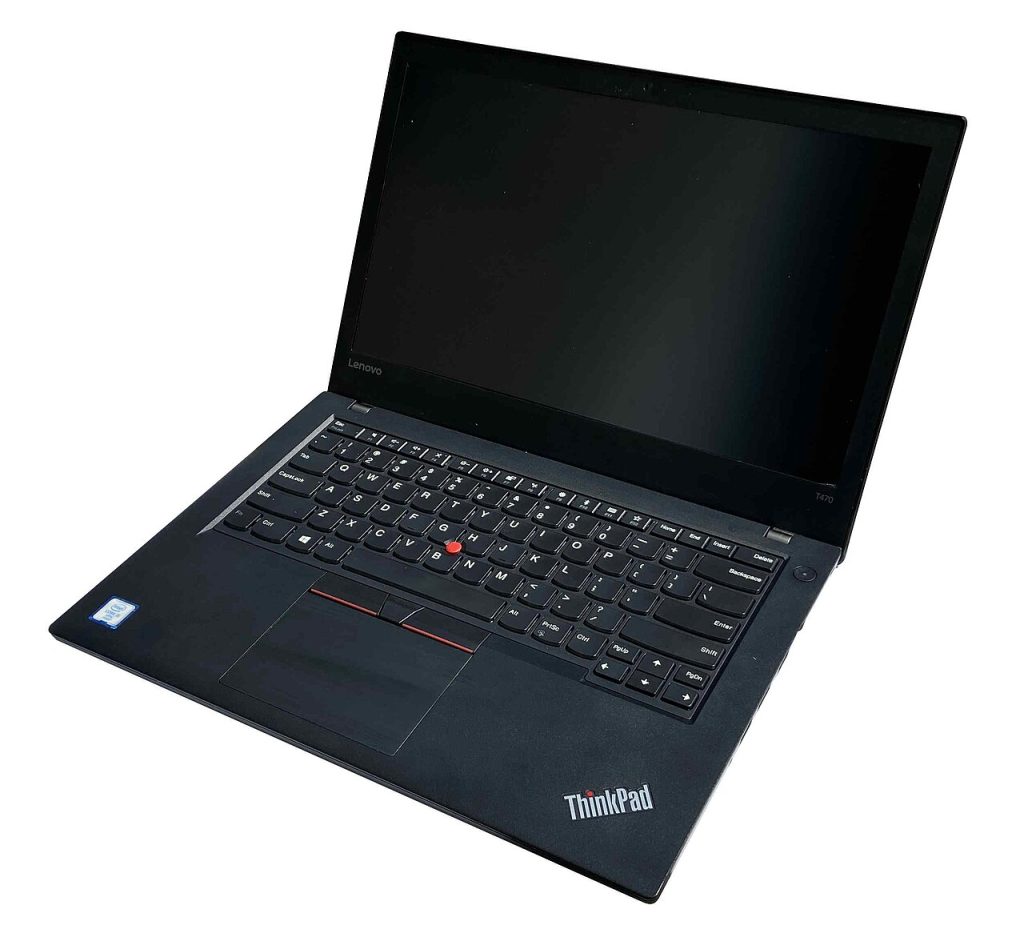

The laptop is on, but the screen is black. Or it flickers, goes dim, or shows coloured lines. Screen faults on Lenovo laptops can be caused by anything from a Windows driver to a cracked panel, and the price of the repair varies a great deal. These checks will tell you which one you are dealing with.
A completely black screen
- Is it really on? Check the power light and listen for the fan. If there is no sign of life at all, it is a power fault rather than a screen fault. See plugged in but not charging and our no display repairs.
- Turn the brightness up. It sounds obvious, but the brightness keys (usually F5 and F6, or Fn with them) are easy to press by accident.
- Reset the graphics driver. Press Win+Ctrl+Shift+B. You should hear a beep and the screen may flash back on. This restarts the graphics driver without losing your work.
- Look closely with a torch. Shine a torch at the screen at an angle. If you can faintly see the desktop, the panel is working but its backlight isn’t. That is usually a backlight circuit or display cable fault.
The external monitor test
Connect the laptop to a TV or monitor with HDMI or USB-C, then press Win+P and choose Duplicate (some Lenovo models also have a display key, often F7).
- A picture on the monitor but not on the laptop: the motherboard and graphics are working, and the fault is in the laptop’s own panel, its cable or its backlight. These are usually screen repairs.
- No picture on either: the problem is deeper, in the graphics, memory or motherboard. Those are no display faults, which we diagnose on the bench.
Flickering
- Flickering that changes when you move the lid is a classic display cable fault. The cable runs through the hinge and wears where it bends. It is very common on laptops whose hinges have become stiff or broken; see hinge repairs.
- Flickering only in certain apps or at certain brightness levels is often a driver or power setting. Install the latest graphics driver from Lenovo Vantage, and try turning off adaptive brightness and content-adaptive brightness in Windows display settings.
Lines, patches and cracks
Restart into the BIOS (F2 on IdeaPad, Yoga and Legion, or Enter then F1 on a ThinkPad) and look at the screen there.
- The lines are visible in the BIOS as well: it is hardware, almost always the panel or its cable. Lines or ink-like patches that spread after a knock or pressure on the lid mean the panel is damaged and needs replacing.
- The lines only appear in Windows: start with the graphics driver.
- On a Yoga or other OLED model, a faint permanent image of the taskbar or a frequently used window is burn-in. It can’t be fixed by software, and the cure is a replacement panel.
What a screen repair involves
We fit the correct panel for your exact model, matching the resolution, refresh rate and, where it applies, touch and OLED. Lenovo uses several panels for the same model, so we check the part number before ordering. A display cable replacement is often cheaper than a full screen. Read about our Lenovo laptop screen repair service, or get an estimate from the price calculator.
Book a Lenovo repair
Bring your laptop to our London SE1 workshop (Monday to Saturday, 9am to 6pm), or we can arrange a courier collection from anywhere in the UK. Tell us the model and what the screen is doing, and we agree the price with you before any work starts.
Call 020 7394 2525, email info@creativeit.tv, or book a repair online.
Data recovery for every Lenovo
Laptop dead, SSD not detected, files deleted or Windows reset? We recover documents, photos and email from every ThinkPad, ThinkBook, IdeaPad, Yoga, Legion and LOQ at our London SE1 lab, even when the laptop itself can’t be repaired.
- Dead or liquid-damaged laptops
- SSDs and hard drives not detected
- Deleted files and reset laptops
- BitLocker, with your recovery key
Free consultation. No data, no recovery fee.

Get your Lenovo fixed
Book online and you get a job number by email straight away. Bring the laptop to our London SE1 workshop, or we arrange a courier collection from anywhere in the UK.